
OCR with Business Cards
Extract text directly from business cards into clean, structured format like CSV.
eyepop.structured-OCR.read-business-card:1.0.0
Prompt
You are given an image that may contain one or more business cards.
Your task is to extract structured data from each business card clearly visible in the image.
Return ONLY valid...
...Run the full prompt in your EyePop.ai dashboard
Input
Image
Output
JSON
Image size
512x512 - Small
Model type
EyePop.ai VLM

How It Works
Keeping track of contact information from business cards is important for working professionals, recruiters, sales representatives, and more. However, manually typing out names, titles, emails, and other contact information into a spreadsheet can be painstakingly slow and/or prone to errors.
The Structured OCR task on the Abilities tab can act as a powerful Optical Character Recognition (OCR) tool, reading the text on a document and outputting it into a clean, structured format like CSV.
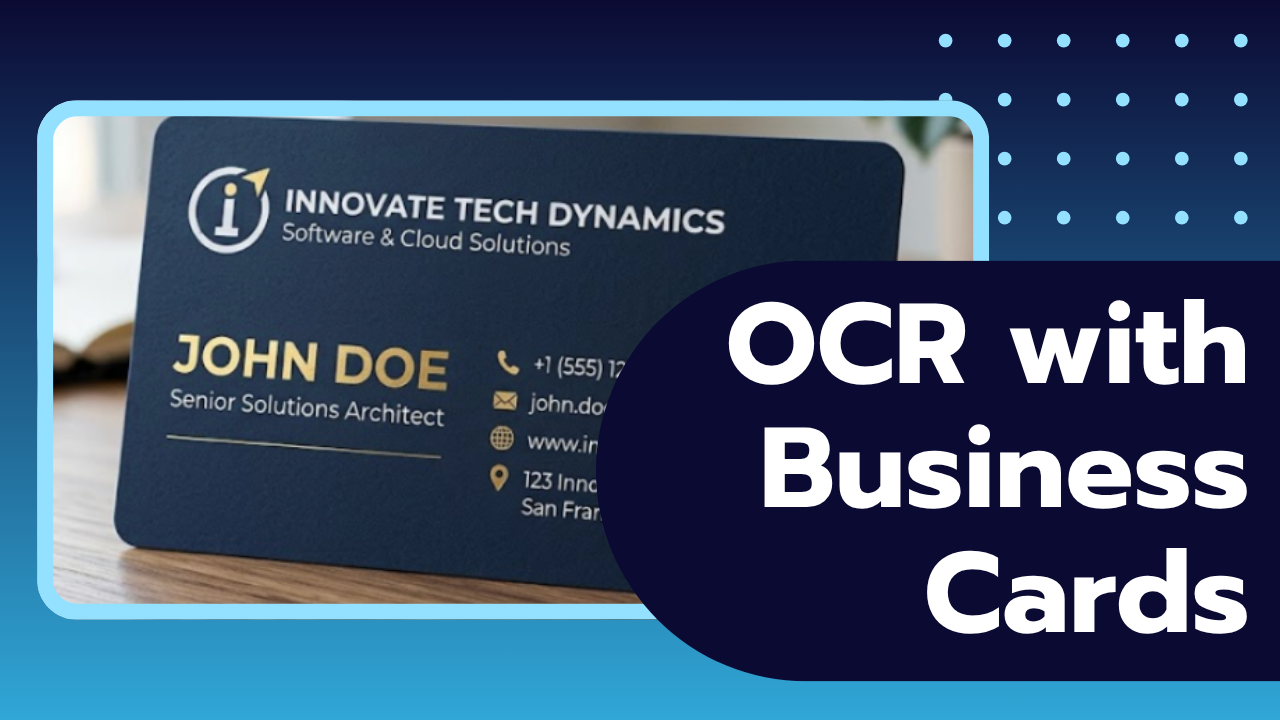
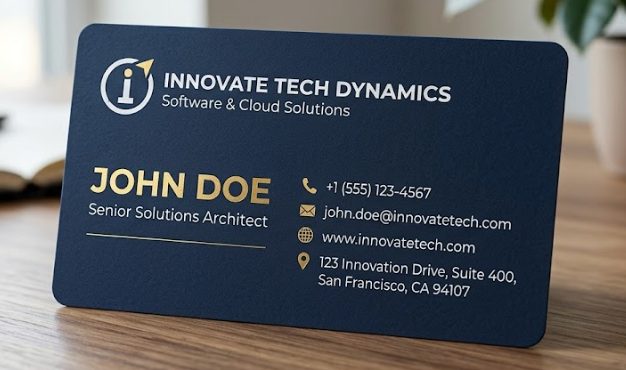
For example, if a user uploads a photo of a business card, the model should examine the image, identify the distinct contact points, and map them precisely into their designated columns.
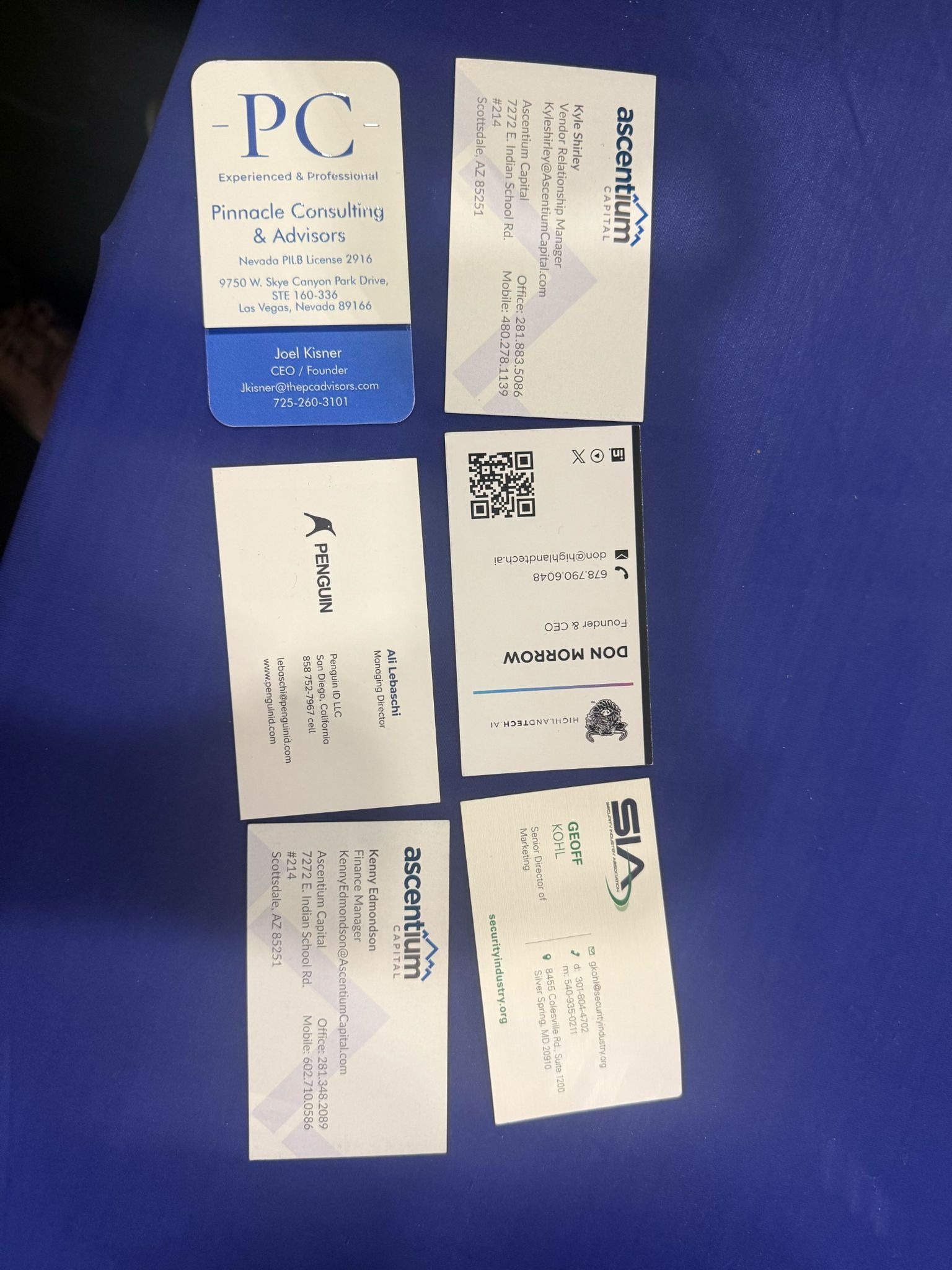
In contrast, if a user uploads an image that is severely blurred, cut off, or covered by a harsh glare, the model should ideally leave the unreadable fields blank to maintain spreadsheet integrity.
Our expected inputs are images of business cards, and the expected output will be a structured text format, a CSV file for this example, containing the extracted text from the target fields.
SDK Tutorial
First, let’s define the ability. Get early access to Abilities here >
ability_prototypes = [
    VlmAbilityCreate(
        name=f"{NAMESPACE_PREFIX}.structured-OCR.read-historical-doc",
        description="Transcribe the historical document",
        worker_release="qwen3-instruct",
        text_prompt=card_prompt,
        transform_into=TransformInto(),
        config=InferRuntimeConfig(
            max_new_tokens=700,
            image_size=512
        ),
        is_public=False
    )
]
The prompt we can use here is:
"You are given an image that may contain one or more business cards.
Your task is to extract structured data from each business card clearly visible in the image.
Return ONLY valid..."
Next, we can actually create the ability with the following code:
with EyePopSdk.dataEndpoint(api_key=EYEPOP_API_KEY, account_id=EYEPOP_ACCOUNT_ID) as endpoint:
   for ability_prototype in ability_prototypes:
       ability_group = endpoint.create_vlm_ability_group(VlmAbilityGroupCreate(
           name=ability_prototype.name,
           description=ability_prototype.description,
           default_alias_name=ability_prototype.name,
       ))
       ability = endpoint.create_vlm_ability(
           create=ability_prototype,
           vlm_ability_group_uuid=ability_group.uuid,
       )
       ability = endpoint.publish_vlm_ability(
           vlm_ability_uuid=ability.uuid,
           alias_name=ability_prototype.name,
       )
       ability = endpoint.add_vlm_ability_alias(
           vlm_ability_uuid=ability.uuid,
           alias_name=ability_prototype.name,
           tag_name="latest"
       )
       print(f"created ability {ability.uuid} with alias entries {ability.alias_entries}")
That’s it! To run the prompt against an image here is some sample evaluation code:
from pathlib import Path


pop = Pop(components=[
   InferenceComponent(
       ability=f"{NAMESPACE_PREFIX}.structured-OCR.read-business-card:latest"
   )
])
with EyePopSdk.workerEndpoint(api_key=EYEPOP_API_KEY) as endpoint:
   endpoint.set_pop(pop)
   sample_img_path = Path("/content/sample_img.png")
   job = endpoint.upload(sample_img_path)
   while result := job.predict():
      print(json.dumps(result, indent=2))


print("Done")
After running the evaluation you can see what the model labelled and compare it to your source of truth. With this, you can improve your prompts and thus improve your accuracy.
Get early access
Want to move faster with visual automation? Request early access to Abilities and get notified as new vision capabilities roll out.